How to Make a Mr and Mrs Stretchy AI Video from Photos
 Mr and Mrs Stretchy AI Studio
Use the 10-second pancake template to make a Mr and Mrs Stretchy AI video. Learn where to upload photos, check the cost, and download the MP4.
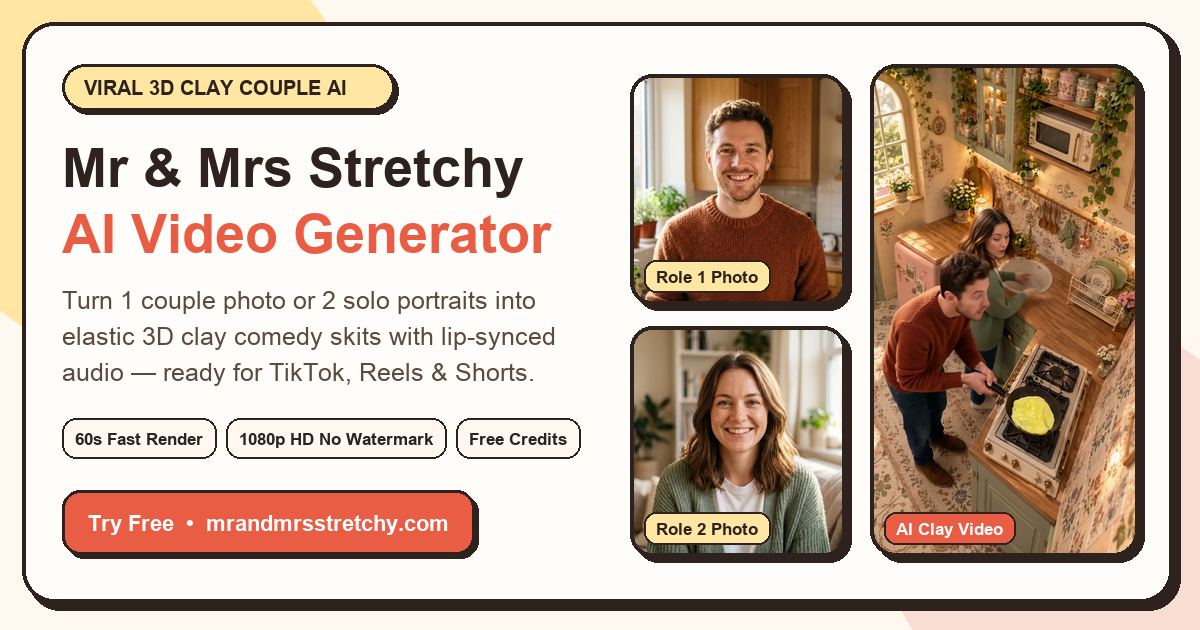
Start with a clear couple photo or two individual portraits. This walkthrough uses the 10-second kitchen pancake-flip template in the Mr and Mrs Stretchy AI Video Generator.
1. Choose the 10-Second Pancake Flip
Open the template selector and choose Classic Kitchen Pancake Flip. Preview the reference to see where each role appears and what happens in the scene. Check the duration on the selected card. This template requests a 10-second render and costs 10 credits if you use your balance.
2. Add Your Photos to the Right Slots
For a single couple photo, put the image in Slot 1 and leave Slot 2 empty. For two individual portraits, put the person you want on the left in Slot 1 and the other in Slot 2. Use Swap Roles if you want to reverse the order.
If the photos are on your phone, use the upload QR code next to the relevant slot. Scan it, choose a photo and wait for it to appear in the studio. See the portrait selection guide if you are deciding between several photos.
3. Check the Cost, Render and Download
Use account credits or buy one video without signing in. The selected template sets the duration and listed USD price. Confirm the amount at checkout. The pricing page shows single-video prices, credit packs and recurring plans.
After you submit, use the task status in the studio to check progress. Render time depends on the template and the queue. When the video is ready, download the MP4 directly or scan its QR code to open the download and share options on your phone.
If a paid render fails, keep the task or order ID so support can check the payment and delivery.
Make a Clay Comedy Skit from Photos
Pick a reference template, add one couple photo or two portraits and check the cost before you render.